Add tools to your apps so the LLM can call external services and APIs to access real-time data or perform actions, such as web searches, database queries, or content processing.
Use tools in:
Manage all your tools from Integrations > Tools.
Tool Plugin
Swagger API
Workflow
MCP
Ready-to-use tools from Dify and the community for common utilities and popular services. Built-in ones like Current Time work out of the box; install more from the Marketplace.Some tool plugins, such as Google and GitHub, need authentication first. Set workspace-level credentials in Integrations > Tools > Tool Plugin, or in the tool’s settings inside an app or node. Integrate a service that isn’t available as a tool plugin by importing its OpenAPI (Swagger) specification.Paste the schema, import it from a URL, or start from the provided example, and Dify generates the tool interface for you.
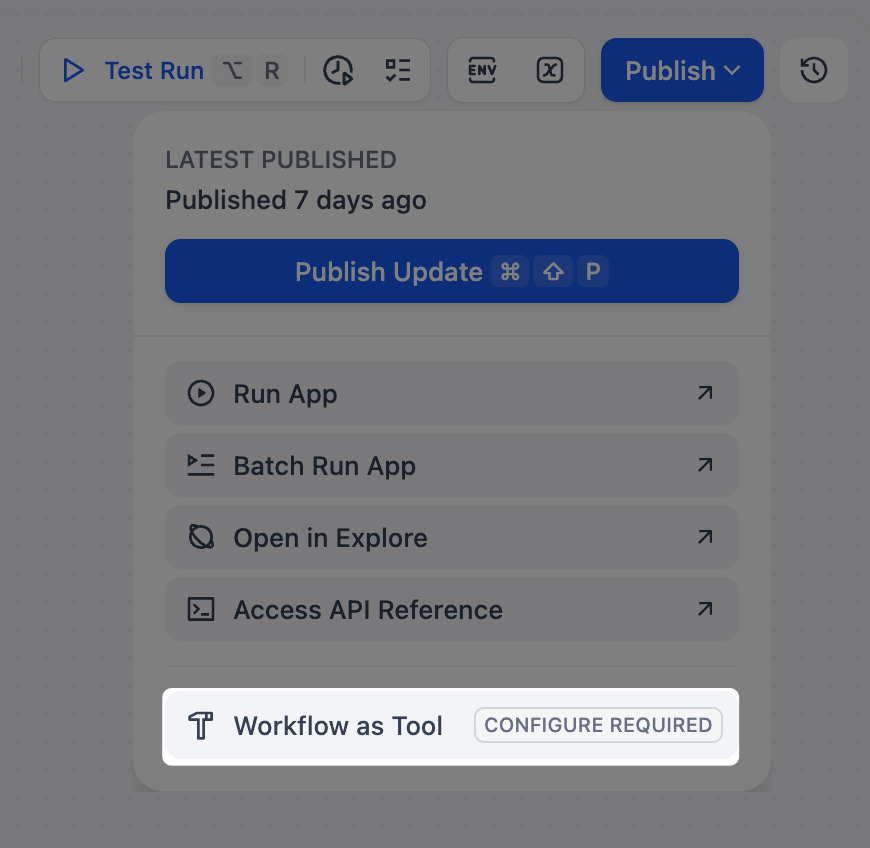
Turn any Workflow that starts with a User Input node into a tool, so you can reuse multi-step logic across apps. Chatflows cannot be used as tools. Connect an MCP server to import its tools into Dify. An MCP server wraps external resources, such as databases, file systems, or APIs, and exposes them through a standard interface, so your apps can call them like any other tool.Connect an MCP Server
Add a server by providing its URL, a name, and a unique server identifier. Dify connects, authorizes if needed, and imports the server’s tools so your apps can call them.You can update the tool list later to pull the server’s latest tools, though doing so can break an app if a tool it uses is removed or changed.
- Apps reference a server by its identifier. If you change it later, the server’s tools stop working in apps that used the old one; re-add the tools in each affected app to restore them.
- Exported apps reference servers by identifier too, so to run one in another workspace, recreate the same servers there with matching identifiers.
Authentication
Dynamic Client Registration (on by default) lets Dify obtain OAuth credentials from the server automatically, so you don’t register an application yourself. Leave it on whenever the server supports it.Turn it off when the server doesn’t support automatic registration, or when you must use your team’s existing OAuth application. Enter its Client ID and Client Secret, then register the redirect URL Dify shows.Advanced Options
Send additional HTTP headers with every request to the server. Commonly used for servers that authenticate with a static token or API key (e.g., Authorization: Bearer <token>) rather than OAuth, but applicable whenever the server expects custom headers.Header values can also be dynamic: {{request.headers.X-Custom-Auth}} is replaced at call time with the X-Custom-Auth header of the HTTP request that triggered the run (a Service API call, for example), letting you pass each caller’s credentials through to the server.A header the request doesn’t carry resolves to an empty value; when a run has no originating HTTP request, the placeholder text is sent unchanged.Timeouts
Control how long Dify waits on the server. Raise the request timeout when the server is slow to respond, and the SSE read timeout for long-running, streamed results. Change them only if you hit timeout errors. Last modified on July 16, 2026